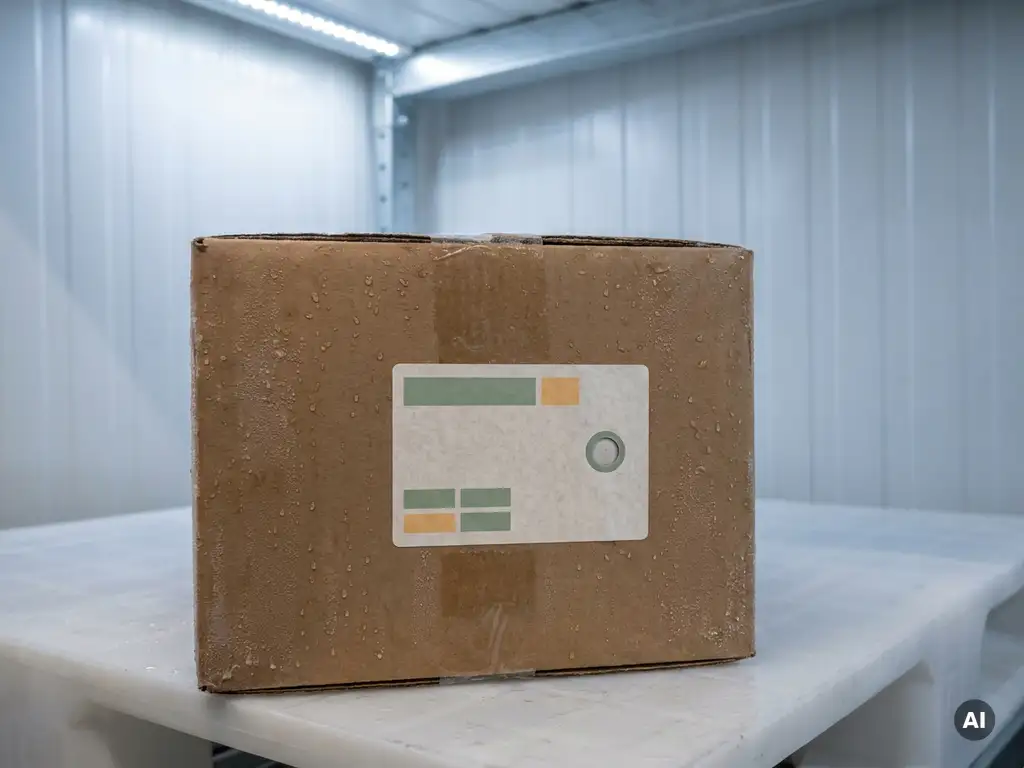
For small businesses, the best temperature data logger is one that is accurate, easy to use, and affordable without requiring expensive infrastructure. The right choice depends on your shipment volume, the technical capabilities of your receiving partners, and your sustainability goals. Below, this article answers the most common questions small businesses ask when choosing a temperature data logger.
What should small businesses look for in a temperature data logger?
Small businesses should look for a temperature data logger that is simple to operate, requires no dedicated hardware from the receiving party, delivers data quickly, and fits within a tight budget. Accuracy, ease of data retrieval, and low overhead costs are the three most important factors for businesses without large logistics teams.
When evaluating options, keep these priorities in mind:
- Accuracy: The logger must reliably capture temperature fluctuations throughout the entire journey, not just at the start and end points.
- Ease of use: If reading the data requires specialist hardware, software installations, or training, it creates friction for both you and your customers.
- Low total cost: Look beyond the unit price. Factor in the cost of data retrieval, any required hardware, and disposal.
- Compatibility: The logger should work across road, air, sea, and rail transport without modification.
- Environmental impact: With ESG expectations growing, choosing a logger that reduces waste protects your reputation and supports your sustainability commitments.
For small businesses in particular, simplicity matters most. A solution that your receiving partner can read instantly, without downloading anything or connecting a cable, removes a significant operational burden from both sides of the shipment.
What’s the difference between USB and NFC temperature loggers?
The key difference between USB and NFC temperature loggers is how the data is retrieved. USB loggers require a physical connection to a computer and dedicated software to download and read the temperature report. NFC loggers transfer data wirelessly with a simple smartphone tap, with no cables, no software, and no specialist equipment needed.
This distinction has real practical consequences for small businesses:
- USB loggers are the traditional industry standard. They are reliable, but retrieving data requires the receiver to have compatible software installed and a computer available. In some industries, plugging unknown USB devices into networked computers is restricted for security reasons, making data retrieval slow or impossible.
- NFC loggers eliminate this friction entirely. Any NFC-enabled smartphone can read the data instantly. Paper-based loggers that use NFC tap technology go one step further: no app is required, and data is automatically uploaded to the cloud the moment the label is tapped.
For small businesses sending to customers with varying levels of technical capability, NFC-based loggers significantly reduce the chance that a receiving party cannot access the temperature report. That means fewer support calls and faster dispute resolution.
Are paper-based data loggers accurate enough for professional use?
Yes, paper-based data loggers are accurate enough for professional use. The best paper-based options meet EN12830 certification standards, the same benchmark used to evaluate traditional electronic loggers. This means they reliably record temperature data within the tolerances required for professional cold chain monitoring across food, pharmaceutical, and other sensitive shipments.
A common misconception is that a paper-based format implies lower technical performance. In practice, the substrate material does not determine measurement accuracy. What matters is the quality of the sensor, the logging interval, and the temperature range covered. Paper-based loggers designed for professional use typically monitor temperatures from -30°C to 50°C, covering the full range of cold chain applications from frozen goods to ambient-sensitive chemicals.
One area where paper-based loggers often outperform single-use electronic loggers is battery reliability. Because paper-based loggers are lithium-free and use a different energy architecture, they are not subject to the same temperature-induced battery drain that can affect lithium-cell devices in extreme cold. This makes them particularly well suited to frozen or deep-chill shipments where battery failure in a plastic logger could mean lost data.
How can small businesses reduce the cost of cold chain monitoring?
Small businesses can reduce the cost of cold chain monitoring by choosing loggers that require no reader hardware, no software licences, and no specialist disposal process. The largest hidden costs in traditional cold chain monitoring are not the loggers themselves but the infrastructure needed to retrieve and manage the data, and the cost of disposing of electronic waste responsibly.
Practical ways to lower your total monitoring cost include:
- Eliminate hardware dependencies: If your receiver needs a USB reader or proprietary software, that is a cost someone has to absorb. Choosing NFC-based loggers removes this entirely.
- Choose loggers with automatic cloud reporting: Manual data entry and report generation take time. Loggers that upload data automatically when tapped reduce administrative overhead significantly.
- Factor in disposal costs: Electronic data loggers require e-waste disposal, which carries both financial and logistical costs. Paper-based loggers can be recycled through standard paper waste streams globally, eliminating specialist disposal fees.
- Avoid over-specifying: Not every shipment needs a multi-trip reusable logger. For single-use applications, a single-use logger priced appropriately for that purpose keeps costs proportional to the shipment.
Choosing the right logger type from the outset is the single most effective way to keep costs down. A logger that is cheap to buy but expensive to retrieve data from, or that requires paid disposal, often costs more in total than a slightly higher-priced alternative with zero infrastructure overhead.
How Tapp helps small businesses monitor temperature affordably
Tapp has developed the world’s first paper-based data logger, built specifically to remove the cost and complexity that make cold chain monitoring difficult for smaller operations. Here is what makes it a practical fit for small businesses:
- No infrastructure required: Any NFC-enabled smartphone reads the label instantly, with no app, no USB reader, and no software installation needed on either end.
- Automatic cloud reporting: Data uploads to the TappOS dashboard the moment the label is tapped, giving both sender and receiver access to a complete temperature report without manual effort.
- EN12830-certified accuracy: Professional-grade monitoring from -30°C to 50°C, suitable for food, pharma, floriculture, and chemical shipments.
- Lithium-free and recyclable: The paper-based design means no e-waste disposal costs. Labels are recyclable through standard paper waste streams globally, reducing both environmental impact and disposal overhead.
- Customisable branding: Labels can carry your company logo and colours, making monitoring part of your customer experience rather than an afterthought.
If you are a small business looking to simplify your cold chain monitoring without investing in hardware or managing e-waste, book an intro call with an expert to find out which label fits your shipments.
[seoaic_faq][{“id”:0,”title”:”How do I know which temperature range I need my data logger to cover?”,”content”:”Start by identifying the most temperature-sensitive product in your shipments and checking its required storage range from the manufacturer or regulatory guidelines. For frozen goods, you will typically need coverage down to -18°C or lower; for chilled products, a range of 2°C to 8°C is standard; and for ambient-sensitive goods, 15°C to 25°C is common. If you ship across multiple product categories, choose a logger with a wide range (such as -30°C to 50°C) so a single solution covers all your shipments without the need to manage multiple logger types.”},{“id”:1,”title”:”What happens if my receiving partner doesn’t have an NFC-enabled smartphone?”,”content”:”Most modern smartphones manufactured after 2015 are NFC-enabled, making this a rare issue in practice, but it is worth confirming with new partners before your first shipment. As a contingency, cloud-based loggers like Tapp automatically store the temperature report online, meaning the data can also be accessed via a shared link or dashboard without requiring the physical tap. If you regularly ship to partners in regions with older device infrastructure, it is worth discussing access methods upfront to ensure there are no gaps in your chain of custody documentation.”},{“id”:2,”title”:”Can I use a single-use temperature data logger for regulated industries like pharmaceuticals or food?”,”content”:”Yes, provided the logger meets the relevant certification standards for your industry, such as EN12830 for temperature recording devices used in the transport of chilled and frozen goods. Regulatory bodies typically care about measurement accuracy, logging intervals, and the integrity of the data record, not whether the logger is reusable or single-use. Always verify that your chosen logger comes with a calibration certificate and that its specifications align with any GDP (Good Distribution Practice) or HACCP requirements applicable to your shipments.”},{“id”:3,”title”:”How do I handle a temperature excursion recorded during a shipment?”,”content”:”The first step is to retrieve the full temperature log to identify exactly when the excursion occurred, for how long, and by how much, as this determines whether the product is still safe or fit for purpose. Share the report with your quality or compliance team, and if you are shipping regulated goods, follow your standard deviation management procedure, which may include quarantining the shipment pending a risk assessment. Loggers that upload data automatically to a cloud dashboard make this process significantly faster, as both sender and receiver can access the same report simultaneously without waiting for a physical device to be returned.”},{“id”:4,”title”:”What is the best way to attach or position a temperature data logger inside a shipment?”,”content”:”Position the logger as close as possible to the most temperature-sensitive product in the package, avoiding placement directly against ice packs, dry ice, or the inner walls of insulated packaging, as these can give artificially skewed readings that do not reflect the product’s actual temperature exposure. For label-format loggers, the inside of the outer carton lid or alongside the product is typically the most representative location. Always follow the logger manufacturer’s placement guidelines, and if your shipments are audited, document your placement method as part of your standard operating procedure.”},{“id”:5,”title”:”How far in advance should I activate a temperature data logger before a shipment?”,”content”:”Activate the logger shortly before the shipment is packed and sealed, typically no more than 15 to 30 minutes beforehand, unless your logger is specifically designed for a pre-conditioning or pre-cooling period. Activating too early means you are consuming the logger’s battery life and recording ambient warehouse data that could clutter the temperature report and make excursion analysis harder. Some loggers allow you to set a delayed start, which is useful if packing and dispatch happen at different times, ensuring the recorded data reflects only the active transit period.”},{“id”:6,”title”:”Are there any common mistakes small businesses make when first implementing cold chain monitoring?”,”content”:”The most common mistake is choosing a logger based on unit price alone, without accounting for the total cost of data retrieval, hardware, software, and disposal, which often makes the cheapest option the most expensive in practice. Another frequent error is failing to brief receiving partners on how to read the logger before the first shipment arrives, leading to missed data or damaged labels from incorrect handling. Finally, many small businesses start monitoring without a clear process for what to do when an excursion is detected, so it is worth defining your response procedure before you begin, not after your first temperature breach.”}][/seoaic_faq]